6 Tips for Stress-Free Restaurant Operations Management

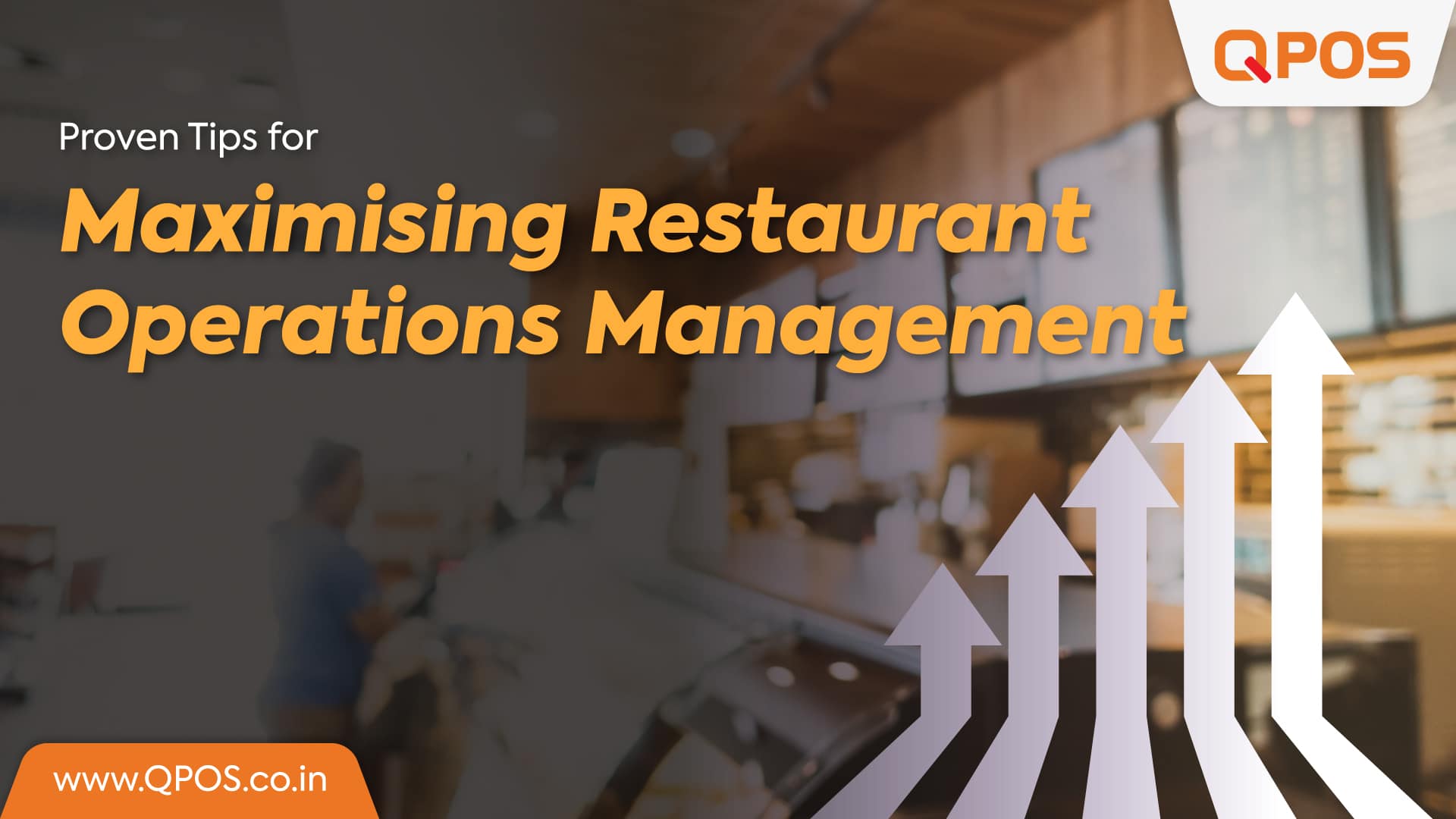
Proven Tips for Maximising Restaurant Operations Management 

Every restaurant owner focuses on offering the best customer service. You may even have heard it is the only way to win customers. But, it’s not entirely true. 

Stellar customer service stems from smooth restaurant operations management. If you fail to manage routine tasks and leave in chaos, customer service won’t work like it should.  

From preparing menus to managing staff, every aspect of a restaurant comes under operations. For these reasons, tactful operations management keeps your business thriving. But how do you manage daily tasks like a pro? 

Let’s check out our proven restaurant operations management tips to take your business to the next level. 

Essential Restaurant Management Tips 

Restaurant operations management is the string that keeps all the tasks work after another like a charm. It includes watching over every task to keep the business running at full potential. 

So, it takes skills to make all things possible. The following tips can make your job easier and help you master this skill fast.  

Data Holds the Key 

It is best to throw guesswork out of the window and instead rely on data to make the right decisions. Data is vital to help accurately understand each process. But, that’s not easy because manual data is mostly unreliable. 

Manual data entry takes time and is prone to human errors. This is why opting for digital solutions like point-of-sale (POS) and restaurant billing software is a must. It’ll give you accurate, reliable, and up-to-date data for better management.  

Recruiting the Right Team 

Running a restaurant is a team effort. When you have the right workforce, you will save time and money. Having the best people on your team ensures each responsibility is taken care of.   

Hiring the staff with the right traits and skills can make the processes easier to manage. Even if you have the dream team, you must regularly perform staff training. A well-trained staff works efficiently and ensures a high-quality guest experience. 

Keeping the Inventory in Check 

Keeping the right levels of food inventory all the time is a must. Having too much of an ingredient can lead to food wastage. On the other hand, a lack of an important item can make you lose sales.  

Taking care of this one aspect of operations helps you avoid chaos. You use data and insights to prepare a plan to maintain stock. It ensures you have just the right amount of food items in your kitchen.  

Choose the Right Tools 

Successful restaurant businesses use automated tools for a smooth workflow. These tools give real-time visibility and ensure better communication among staff members. You can combine different tools and work with each other, making processes easier to manage.  

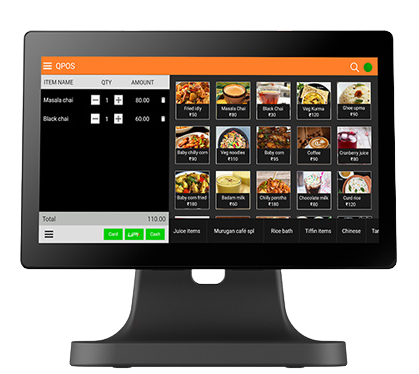
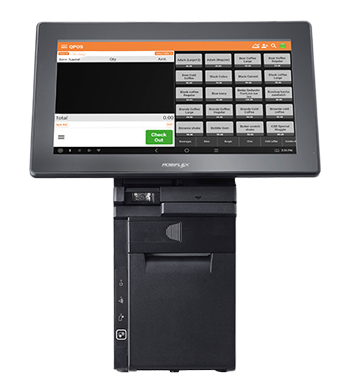
For instance, using a POS with powerful restaurant operations management helps back and front-of-house operations run in one flow.  

With these tools, you can keep tabs on the inventory, staff, and other important workflows to improve efficiency.  

Ending Thoughts   

Restaurant operations management is about handling many tasks with expertise. From the kitchen to the cash register, each aspect of the restaurant needs attention and careful planning. When done well, it can help keep the customers happy and your staff motivated.  

Different operations management tools like restaurant billing software and POS work together to offer valuable inputs on your business’s financial status. It allows you to stick to the spending goals, handle cash flow, and keep a check on daily costs. 

You can turn mediocre profits into dream success with the right tools, insights, and strategies. Invest in tools like QPOS to boost operational efficiency across your entire restaurant. 


Download the brochure

to get to know about features, hardwares, and more!

Recent Blogs

QPOS Brochure
All-in-one POS solution for your restaurant or retail business
QPOS Brochure
All-in-one POS solution for your restaurant or retail business
QPOS Brochure
All-in-one POS solution for your restaurant or retail business
QPOS Brochure
All-in-one POS solution for your restaurant or retail business
QPOS Brochure
All-in-one POS solution for your restaurant or retail business
QPOS Brochure
All-in-one POS solution for your restaurant or retail business
QPOS Brochure
All-in-one POS solution for your restaurant or retail business
QPOS Brochure
All-in-one POS solution for your restaurant or retail business
QPOS Brochure
All-in-one POS solution for your restaurant or retail business
QPOS Brochure
All-in-one POS solution for your restaurant or retail business
QPOS Brochure
All-in-one POS solution for your restaurant or retail business
QPOS Brochure
All-in-one POS solution for your restaurant or retail business
QPOS Brochure
All-in-one POS solution for your restaurant or retail business
QPOS Brochure
All-in-one POS solution for your restaurant or retail business
QPOS Brochure
All-in-one POS solution for your restaurant or retail business
QPOS Brochure
All-in-one POS solution for your restaurant or retail business
QPOS Brochure
All-in-one POS solution for your restaurant or retail business
QPOS Brochure
All-in-one POS solution for your restaurant or retail business
QPOS Brochure
All-in-one POS solution for your restaurant or retail business
QPOS Brochure
All-in-one POS solution for your restaurant or retail business
QPOS Brochure
All-in-one POS solution for your restaurant or retail business
QPOS Brochure
All-in-one POS solution for your restaurant or retail business
QPOS Brochure
All-in-one POS solution for your restaurant or retail business
QPOS Brochure
All-in-one POS solution for your restaurant or retail business
QPOS Brochure
All-in-one POS solution for your restaurant or retail business
QPOS Brochure
All-in-one POS solution for your restaurant or retail business
QPOS Brochure
All-in-one POS solution for your restaurant or retail business
QPOS Brochure
All-in-one POS solution for your restaurant or retail business
QPOS Brochure
All-in-one POS solution for your restaurant or retail business
QPOS Brochure
All-in-one POS solution for your restaurant or retail business
QPOS Brochure
All-in-one POS solution for your restaurant or retail business
QPOS Brochure
All-in-one POS solution for your restaurant or retail business
QPOS Brochure
All-in-one POS solution for your restaurant or retail business
QPOS Brochure
All-in-one POS solution for your restaurant or retail business
QPOS Brochure
All-in-one POS solution for your restaurant or retail business
QPOS Brochure
All-in-one POS solution for your restaurant or retail business
Get in touch
Fill the form to open New Franchise
Get in touch
Fill the form to open New Franchise
Get in touch
Fill the form to open New Franchise
Get in touch
Fill the form to open New Franchise
Get in touch
Fill the form to open New Franchise
Get in touch
Fill the form to open New Franchise
Get in touch
Fill the form to open New Franchise
Get in touch
Fill the form to open New Franchise
Get in touch
Fill the form to open New Franchise
Get in touch
Fill the form to open New Franchise
QPOS Brochure
All-in-one POS solution for your restaurant or retail business
QPOS Brochure
All-in-one POS solution for your restaurant or retail business
QPOS Brochure
All-in-one POS solution for your restaurant or retail business
QPOS Brochure
All-in-one POS solution for your restaurant or retail business
QPOS Brochure
All-in-one POS solution for your restaurant or retail business
QPOS Brochure
All-in-one POS solution for your restaurant or retail business

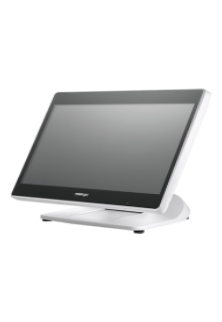
PS 3616 G2 White

Intel Elkhart Lake Celeron J6412, up to 2.60 GHz, 1.5M Cache
DDR4 SO-DIMM x 1, max. 16GB

M.2 connector (SATA Signal Only) x 1
Windows 10 IoT 64 bits
VGA x 1, 12V support for Posiflex monitors
1, control 2 CR via optional Y-cable, supporting 24V cash drawer
MSR; iButton; RFID; Fingerprint Sensor; KeypadNon-touch TFT USB LCD: 7"/9.7"
5, USB 3.0 x 2+ USB 2.0 x 2 (on I/O plate) + USB 2.0 x 1 (on the top)

RTP-4

ARM Cortex-A55, Quad-Core 2.0GHz
Android 13
4GB RAM + 64GB ROM
8GB RAM + 128GB ROM (optional)
2 × USB3.0 + 3 × USB2.0
15.6" HD 1366×768
15.6" FHD 1920×1080 (optional)
Capacitive Multi-Touch Screen
10.1" 1024×600 (optional)
6 × USB
1 × Headset Jack
Interface 1 × φ5.5mm DC Jack
Power key
Tone, Power indicator
2 × Speaker (2W)
380mm × 186mm × 288mm
Ethernet TCP/IP 1000M
2.4 & 5GHz dual-band Wi-Fi
Power Adapter (12V 4A) × 1
Face Recognition Camera
MSR
NFC

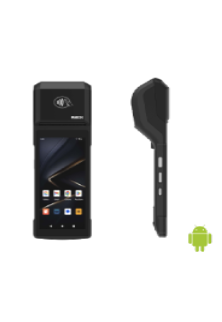
Rp -i1H

Cortex-A53 Octa-core 2.3GHz
Android 14
3GB RAM + 32GB ROM
1 x Micro SD Card (up to 128GB)
5.5" HD+, IPS 720×1440
Industrial grade Capacitive Touch Screen
Removable Lithium Battery, 7.7V / 3000mAh
157.8×75.5×17.3mm
345g (with battery)
1 × Type C, USB 2.0, Support OTG With Rubber Plug
1 × Power Key, 1 × Volume + / Scan Key, 1 × Volume - Key
Speaker
Built-in 58mm Thermal Printer
Print Speed: 80mm/s
Paper Roll: Φ40mm
1D and 2D Barcodes Reader (optional)
Newland CM30
Rear 5MP AF Camera, With Flash LED, Support 1D / 2D
Support ISO15693, ISO14443A/B, Mifare card, Felica card
FDD-LTE: B1 / B2 / B3 / B4 / B5 / B7 / B8 / B20 / B28
BT5.3 + BR/EDR + BLE
GPS L1, GLONASS
5%~95% RH (No condensation)
Power Adaptor ×1, USB Cable ×1, Battery ×1
Hand strap, Protective Case, Protector Film

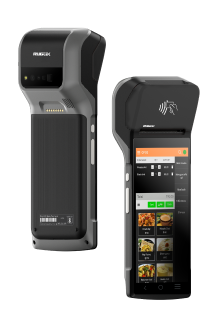
Rp -6s

Android 7.1 OS
5.99” IPS PCAP – 1440×720
Quad Core Snapdragon A-53, 1.4Ghz
16 GB Storage
2GB System Memory
True-flat PCAP touch function with multi-touch support
215.2 x 83 x 17(mm) in Dimensions
360 Grams in weight without receipt roll
Built-in NFC | Wi-Fi | Bluetooth | GPS | GSM
Built-in 2“Detachable Built-in Printer w/auto cutter, 203 mm/sec
1D, 2D, Matrix & QR code Scanner
5MP Camera with Manual & AF
USB C | USB Port | OTG USB | 4G/LTE | CR Port | LAN Port
Base Cradle or Power adaptor
Full charge in 4 hours.
Standby Time 10 Days

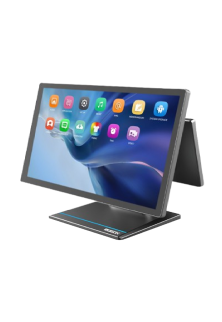
Rp -15

Android OS (Version 9.0)
15.6” FHD – 1920×1080 - Capacitive multitouch screen
Kryo 260, Octa Core 2.2 GHz
4GB RAM
64 GB ROM
Dimension 430 * 382 * 215 mm
Weight 4.5 kg
Colourful RBG TFT Screen, 16:9 wide screen image format
Wi-Fi 2.4G/5.0GHz IEEE 802.11 a/b/g/n/ac
Bluetooth BT BLE 5.0
Operating Temperature 0°C - 50°C, 20%RH - 90%RH (Equipped with SSD)
Storage Temperature -20°C ~ 60°C
12KV Electrostatic Protection
USB Port | CR Port | LAN Port | Serial Port | UPS Port | Mini USG OTG | TF Slot

HS-2414A

Android 7.1 OS
14” TFT LCD Display – 1366×768
IP65 on front panel
Quad Core Processor, 1.20GHz
16 GB Storage
2GB System Memory DDR3
24V/60W Power Supply
True-flat PCAP touch function with multi-touch support
371.5 x 198 x 473(mm) in Dimensions
5.8 Kg in weight
Built-in MSR | RFID Reader | Wi-Fi
Built-in 3" Detachable Built-in Printer w/auto cutter, 250 mm/sec
2D Barcode Scanner
Fingerprint Sensor
USB Port | OTG USB | 4G/LTE | CR Port | LAN Port | Serial Port | UPS Port | Display Port.

Allen Roy

Work Experience – 4 Years

Freelance Photographer

Photographer’s Assistant

Education
Bachelor of Art in Digital Photography
University of San Francisco

Allen Roy

Work Experience – 4 Years

Freelance Photographer

Photographer’s Assistant

Education
Bachelor of Art in Digital Photography
University of San Francisco