Table of Contents
How to Manage Multiple QSR Outlets with One POS System?
Written by:Stephen Athokpam, POS Software and Retail Systems Specialist , QPOS
Published: 13 October 2026
When you are managing one quick-service restaurant, your primary focus is on keeping it running every single day.
It’s tough, but not impossible.
But let’s say you now have to manage ten different QSRs!
Now, that means you need to do what you were doing with one QSR, ten times! That’s not possible unless you hire the appropriate number of people to keep it functioning smoothly.
Multi-location restaurant management software helps bring these operations into a shared system. But the goal isn’t to control every decision from headquarters. It’s to give each outlet the freedom to operate within common business standards.
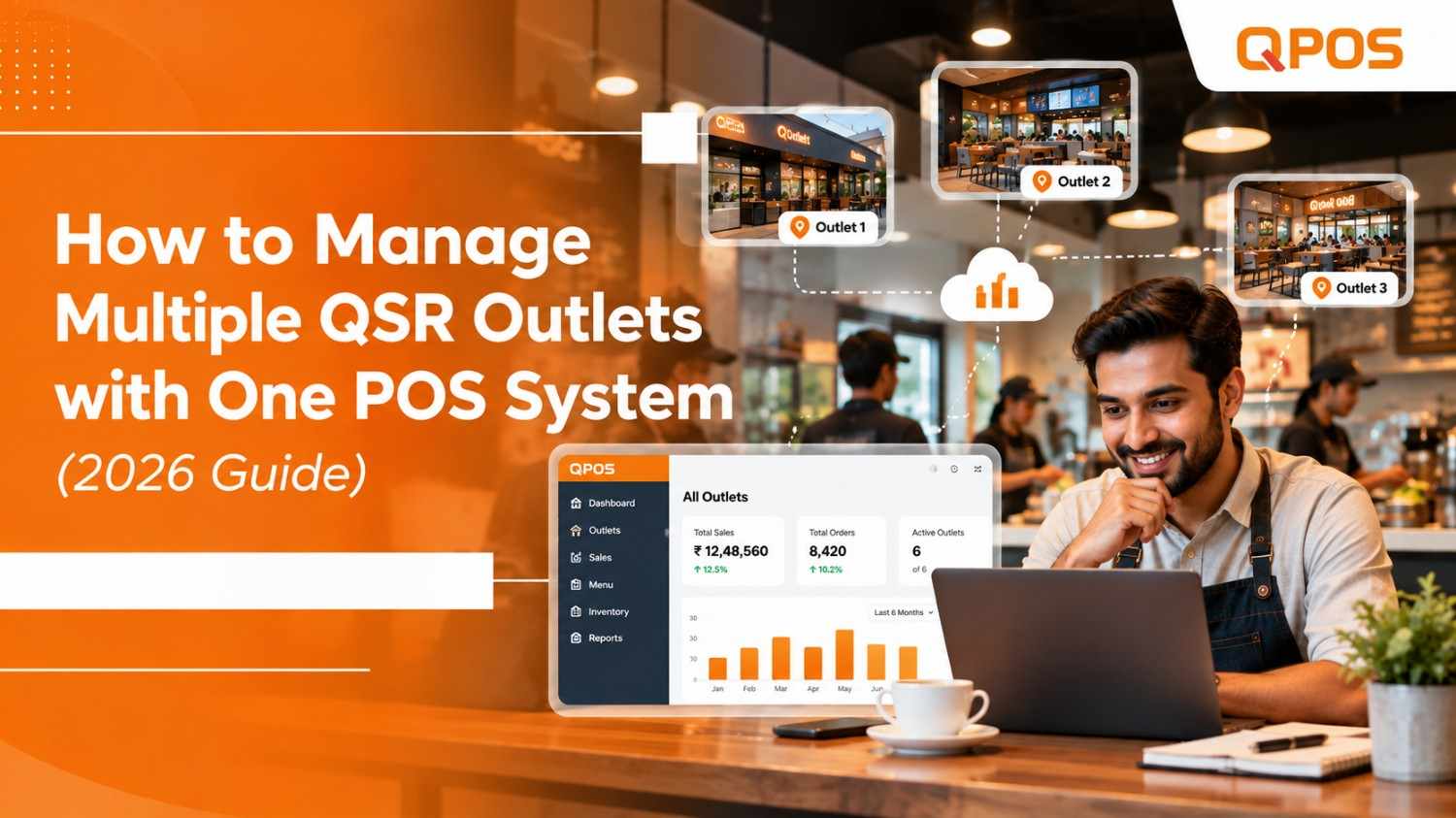
Multi-location restaurant management software lets a restaurant owner manage their multiple outlets through a single platform for billing, reporting, and control over operations. Based on the POS solution chosen, it can also help centralize the restaurant menu, inventory, and performance analysis on an outlet-wise basis.
For expanding restaurant chains in India, maintaining congruence in standards across the board while keeping the freedom to operate individual outlets efficiently has always been a tightrope walk.
In this guide, we discuss the centralized restaurant POS system, the attributes to consider, and how to manage multiple QSR outlets efficiently.
Things Discussed in This Blog
- What Is Multi-Location Restaurant Management Software?
- How a single platform connects multiple QSR outlets.
- How to maintain consistency while allowing local changes.
- How to monitor stock, consumption, and transfers.
- How to compare sales and identify operational differences.
- What growing restaurant chains should test before investing.
What Is Multi-Location Restaurant Management Software?
Multi-location restaurant management software enables linking several eatery units under one management system. In other words, instead of analyzing the work of each venue independently, an owner or manager can utilize the data from all locations in the firm’s management system and track the performance of each unit in parallel.
A multi-location point of sale system typically offers the ability to manage
- billing and order systems at each location,
- centralized or per-outlet menu management,
- inventory management at outlet levels,
- sales reports of chosen venues,
- user permission and access control,
- report generation for the overall organisation.
Depending on the software’s specific settings, users might find additional functions or variations in the ones listed above. It is critical to understand the difference between centralized and decentralized features in the selected system and ensure that the former sufficiently covers the firm’s operation’s essential aspects while the latter’s tools meet the branch’s requirements.
How Does a Centralized Restaurant POS System Work?
A multi-location POS system connects individual outlets to a common management platform.
Each outlet handles its own billing and orders. Headquarters uses shared information to review sales, manage common settings, and oversee operations.
The right balance matters more than simply centralizing everything.
1. Manage Menus Across Multiple QSR Outlets
Imagine introducing a new burger combo across eight locations.
If each outlet updates its menu independently, pricing, item availability, and promotional details can become inconsistent.
Centralized menu management creates a common starting point.
However, not every location needs identical offers. A QSR near an office district might need different lunch promotions from an outlet near a residential area.
Research on franchise operations identifies this balance between standardisation and local autonomy as a central management challenge.
Example: A QSR chain wants to introduce a new burger combo at six outlets but keep it unavailable at two locations. The POS should support the required outlet selection and menu configuration.
Before purchasing, ask the vendor to demonstrate this exact workflow rather than relying on a general feature list.
2.Track Inventory Across Outlets
Consider two outlets selling the same menu.
Outlet A has excess burger buns. Outlet B is running short.
A centralized inventory dashboard should help management identify the difference. But visibility alone doesn’t move stock between locations.
Inventory management involves three separate activities:
Function | What it answers |
Stock visibility | What is available at each outlet? |
Consumption tracking | How much stock is being used? |
Stock transfers | What moves between locations? |
A study involving 150 QSRs in Bengaluru and Kottayam found that respondents associated effective inventory management with better service quality and cost control.
This supports the importance of inventory processes, but it doesn’t establish that any particular POS product improves those outcomes.
See how QPOS can support your multi-outlet management requirements. Book a demo to explore the features relevant to your business
3. Compare Sales Across Multiple Restaurants
Suppose Outlet A records ₹80,000 in daily sales while Outlet B records ₹55,000.
Is Outlet A performing better?
Not necessarily. Differences in operating hours, order volume, average bill value, and location affect the comparison.
Instead of examining revenue alone, compare:
- Total sales: Revenue generated during the selected period.
- Transaction count: Number of completed orders.
- Average order value: Revenue divided by transaction count.
- Discounts and cancellations: Transactions requiring closer review.
- Sales by time: Differences in peak demand.
Research examining 60,651 orders found that shared POS data improved demand forecasting accuracy in the studied supply chain, although the benefits varied by product characteristics.
That research supports using POS information for analysis. It does not prove that centralized reporting automatically improves QSR performance.
4. Give Outlet Managers the Right Permissions
A restaurant chain needs clear rules about who can access and change business information.
For example, a cashier may need permission to process bills, an outlet manager may need approval rights for selected transactions, and head office staff may need access to consolidated reports.
Before choosing restaurant chain management software, define:
- Who can change menu prices?
- Who can approve discounts and cancellations?
- Which reports can each outlet manager view?
- Can access be restricted by outlet and role?
- How are changes and approvals recorded?
Central management should not mean that every employee has access to every setting.
A cashier needs billing access. An outlet manager may need cancellation approval. Headquarters may need control over common pricing policies.
Before selecting restaurant chain management software, define which decisions belong at each level.
This creates a practical division between daily operations and business-wide control.
5. Test the POS Before Expanding
A product demonstration should reflect the situations your chain actually faces.
Ask the provider to perform these five tasks:
- Update a menu item across selected outlets.
- Compare sales from two locations over the same period.
- Check stock availability at individual outlets.
- Restrict a cashier from changing prices.
- Demonstrate what happens when an outlet loses connectivity.
These tests reveal more than a general feature presentation.
For a growing restaurant chain POS in India, also confirm subscription terms, additional outlet charges, hardware requirements, and technical support.
What to Check Before Choosing Multi-Outlet POS System?
Before investing in multi-location restaurant management software, test how the product handles your actual workflows.
Use this checklist during a vendor demonstration:
- Update a menu item across selected outlets.
- Compare sales from two outlets over the same period.
- Check stock availability at individual locations.
- Demonstrate employee roles and price-change permissions.
- Test what happens when an outlet loses internet connectivity.
- Review how outlet-wise and consolidated reports are generated.
- Confirm hardware compatibility and integration requirements.
- Check subscription pricing, additional outlet charges, training and technical support.
For restaurant chains in India, also verify GST billing requirements, the availability of the necessary reports and how the vendor supports your business as new outlets open.
A structured demonstration helps you assess whether the system fits your operations instead of selecting software based only on its advertised features.
How QPOS Helps Manage Multiple Restaurant Outlets?
QPOS provides restaurant POS and management software for food businesses, including quick-service restaurants and growing restaurant chains.
Its restaurant management offering describes capabilities for franchise management, menu management, inventory management, billing, reporting and analysis, along with managing multiple restaurant locations.
For a growing QSR chain, these capabilities are relevant when evaluating how to coordinate daily outlet operations and review business performance from a shared system.
Before selecting QPOS, request a demonstration that covers your specific requirements, including:
- Managing multiple outlets from a shared management interface.
- Updating menus and reviewing outlet-specific settings.
- Checking inventory and stock-management workflows.
- Comparing outlet-wise sales and reports.
- Configuring access for different employee roles.
Confirm the exact availability and configuration of each required feature with the QPOS team.
Talk to the QPOS team about your requirements for billing, inventory, menu management and outlet-wise reporting. Find out whether QPOS fits your restaurant operations.
FAQs
Can one POS system manage multiple restaurants?
How can I manage inventory across QSR outlets?
How do I update menus across multiple outlets?
How can I compare outlet performance?
What should I look for in restaurant chain management software in India?
Is cloud-based POS software suitable for a growing QSR chain?
Conclusion
Managing multiple QSR outlets isn’t about monitoring every transaction from headquarters.
It’s about maintaining common standards, giving outlet teams clear responsibilities, and making reliable information available for decisions.
The right multi location restaurant management software should support that balance.
Before investing, test how the system handles real outlet operations rather than relying on its feature list.
Sources
- Sorenson and Sørensen (2001), Strategic Management Journal: Finding the Right Mix: Franchising, Organizational Learning, and Chain Performance. Research on standardization, local adaptation, and restaurant-chain performance.
- Chiou, Hsieh and Yang (2015), Journal of Small Business Management: The Effects of Standardization and Trust on Franchisee’s Performance and Satisfaction. Research on standardization in growing franchise systems.
- CHRIST (Deemed to be University), institutional repository: Perception About Inventory Management and Control at Quick Service Restaurants. Study involving 150 QSRs in Bengaluru and Kottayam.
- European Journal of Operational Research: Factors That Affect the Improvement of Demand Forecast Accuracy Through Point-of-Sale Reporting. Research on shared POS data and forecasting.
About Authour

Stephen Athokpam is a POS Software and Retail Systems Specialist at QPOS.
He writes on cloud POS, Swiggy/Zomato integration, and checkout automation.