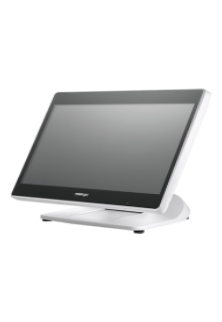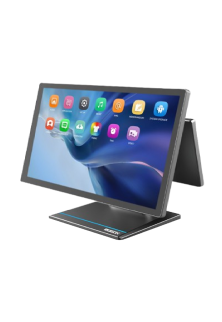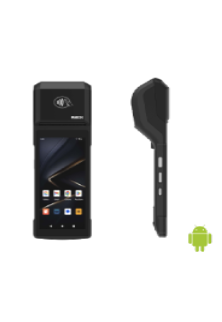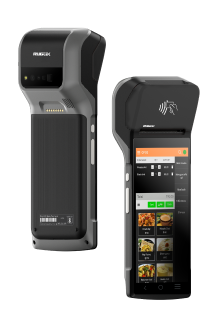
Restaurant Billing Software in Bangalore (2026)
Running a restaurant in Bangalore means managing dine-in customers, takeaway orders, online food delivery, payments, inventory, and staff—all while keeping service fast and accurate.
The right restaurant billing software can simplify these everyday operations by bringing billing, order management, inventory, reporting, and other restaurant functions into one system.
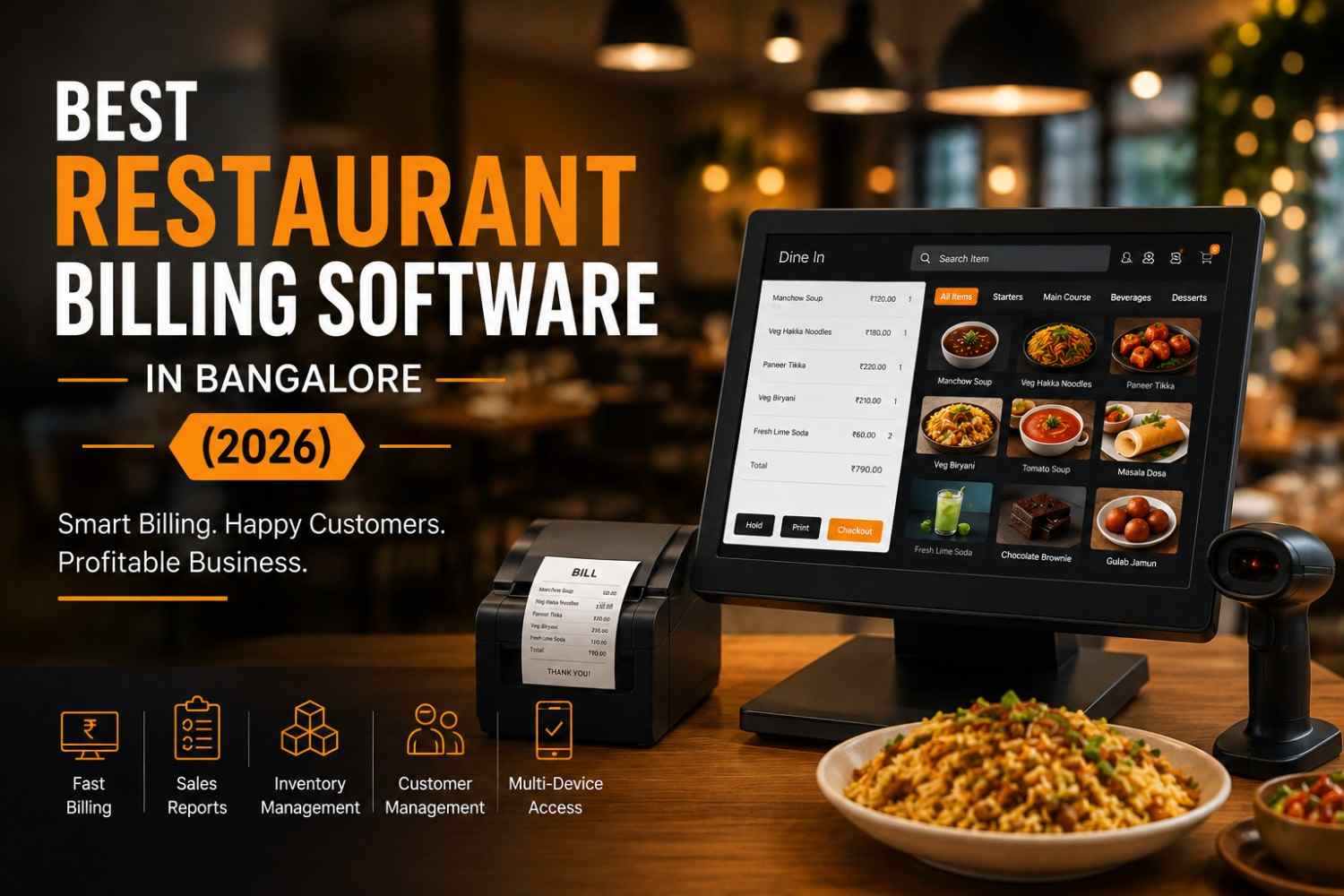
Whether you operate a restaurant / café / QSR or a multi-outlet restaurant chain in Bangalore, India, choosing the right billing billing software and POS system can make day-to-day operations more efficient.
What Is Restaurant Billing Software?
Restaurant billing software is a digital system designed to manage restaurant transactions and billing operations. Modern solutions go beyond generating bills and GST invoices.
Depending on the system, restaurant billing software can also help manage:
- Customer orders
- Table and takeaway orders
- KOT management
- Kitchen operations
- Inventory and stock
- Online food delivery orders
- Payments
- Sales reports
- Staff access
- Multiple outlets
- Customer information
Below, we’ve compared the billing platforms Bangalore restaurants use most, including where QPOS’s Restaurant POS Features fit, so you can pick the right one for your outlet size and order volume.
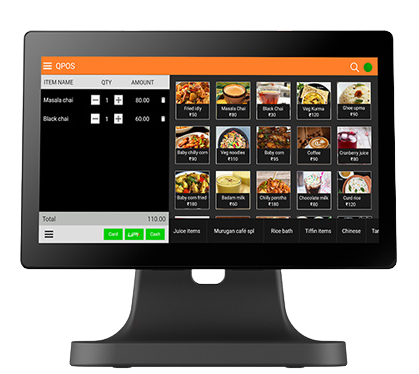
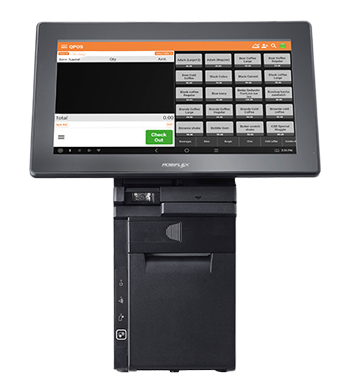
See QPOS in Action
Why QPOS for your Restaurants Billing Software Needs?
| Restaurant Operations | Without Billing Software | With QPOS Software |
|---|---|---|
| Billing | Manual calculations and higher chances of billing errors | Faster and more accurate billing |
| Order Management | Orders may be recorded manually, increasing the risk of missed or incorrect orders | Orders can be managed digitally through one system |
| Online Orders | Swiggy and Zomato orders may require manual handling | Online orders can be integrated into the POS workflow |
| Inventory | Stock tracking can be time-consuming and difficult | Easier inventory and stock monitoring |
| Table Management | Tables and orders may be tracked manually | Digital table and order management |
| Kitchen Orders | Verbal communication or handwritten KOTs can cause confusion | Digital KOT and kitchen order management |
| Sales Reports | Reports may need to be prepared manually | Quick access to sales and business reports |
| Multiple Outlets | Difficult to monitor different outlets together | Centralized monitoring across outlets |
| Staff Efficiency | More manual work and repetitive tasks | Streamlined workflows help reduce manual work |
| Business Visibility | Limited visibility into sales and operations | Better access to business data for decision-making |
QPOS: Built for Bangalore’s Fast-Moving F&B Scene
QPOS is a Restaurant POS System used by food trucks, cloud kitchens, cafes, and multi-outlet chains across Bangalore. It gives you one dashboard to manage orders, billing, and stock whether you’re running a single Indiranagar cafe or a five-outlet QSR chain.
Key Features:
- Fast, accurate billing at the counter or table
- Native Swiggy and
- Zomato order integration
- Real-time, remote monitoring across all your outlets
- Stock and table management built in
- Purpose-built for cloud kitchen operations
Pricing note
QPOS pricing depends on your outlet count, hardware needs, and integrations.
Most Bangalore restaurants get a tailored quote after a short demo.
Tips To Choose a Restaurant Billing Platform:
To choose restaurant management solutions for billing, determine the company objectives. If you receive orders from multiple platforms, choose a software with various app integrations.
Choose a tool that connects with multiple terminals if you have a vast F&B (food and beverage) facility. Ensure the functionalities and interface are simple for your team to understand.
Software with excellent reporting facilities will be appropriate for teams focusing more on business data.
Confused about how to switch to new restaurant billing software?
To improve your billing efficiency, ensure your preferred software runs on all devices and terminals. If you run into some problems, contact the product’s customer support team. Talk to customer support and experiment with the functionalities to maximise the software’s usage.
Besides improving billing, don’t forget to enhance your services and menu items.
Choosing the right restaurant billing software in Bangalore can help restaurants streamline billing, order management, inventory, table management, kitchen operations, and reporting. Whether you run a café, QSR, fine-dining restaurant, bar, cloud kitchen, food truck, or multi-outlet chain, QPOS offers a scalable restaurant POS solution designed to simplify daily operations, support online orders, and provide better business visibility. Ready to upgrade your restaurant billing? Request a QPOS demo and discover a smarter way to manage your restaurant operations.
Frequently Asked Questions
1. How much does restaurant billing software cost in Bangalore?
2. What is the best restaurant billing software in Bangalore?
3. Does restaurant billing software support GST billing?
4. Can restaurant billing software integrate with Swiggy and Zomato?
5. Can one POS system manage multiple restaurant outlets?
6. Can restaurant billing software manage inventory?
7. Does restaurant POS software support cloud kitchens?
8. Do I need separate hardware for restaurant billing software?
9. Does QPOS support multi-outlet restaurants?
10. Do I need a demo before choosing restaurant billing software?
Trusted by Bangalore Restaurants












Tags: restaurant billing software, restaurant billing software in Bangalore, restaurant POS software, restaurant POS system, restaurant billing system, best restaurant billing software, restaurant management software, POS software for restaurants, restaurant billing and inventory software, cloud-based restaurant POS system.